AI Vision
Scene Analysis
Claude Haiku AI examines extracted frames from every scene — identifying people, objects, actions, settings, and mood. It understands context, not just pixels.
AI watches your video, understands every scene, and writes & speaks professional narration automatically — in any language.
Auto Narrate is the most advanced mode in AI Video Dubbing Studio. It uses computer vision (Claude Haiku) to analyze every scene frame-by-frame, writes a professional narration script, then dubs it with any of 70+ AI voices. No transcript needed — the AI sees and describes what's happening.
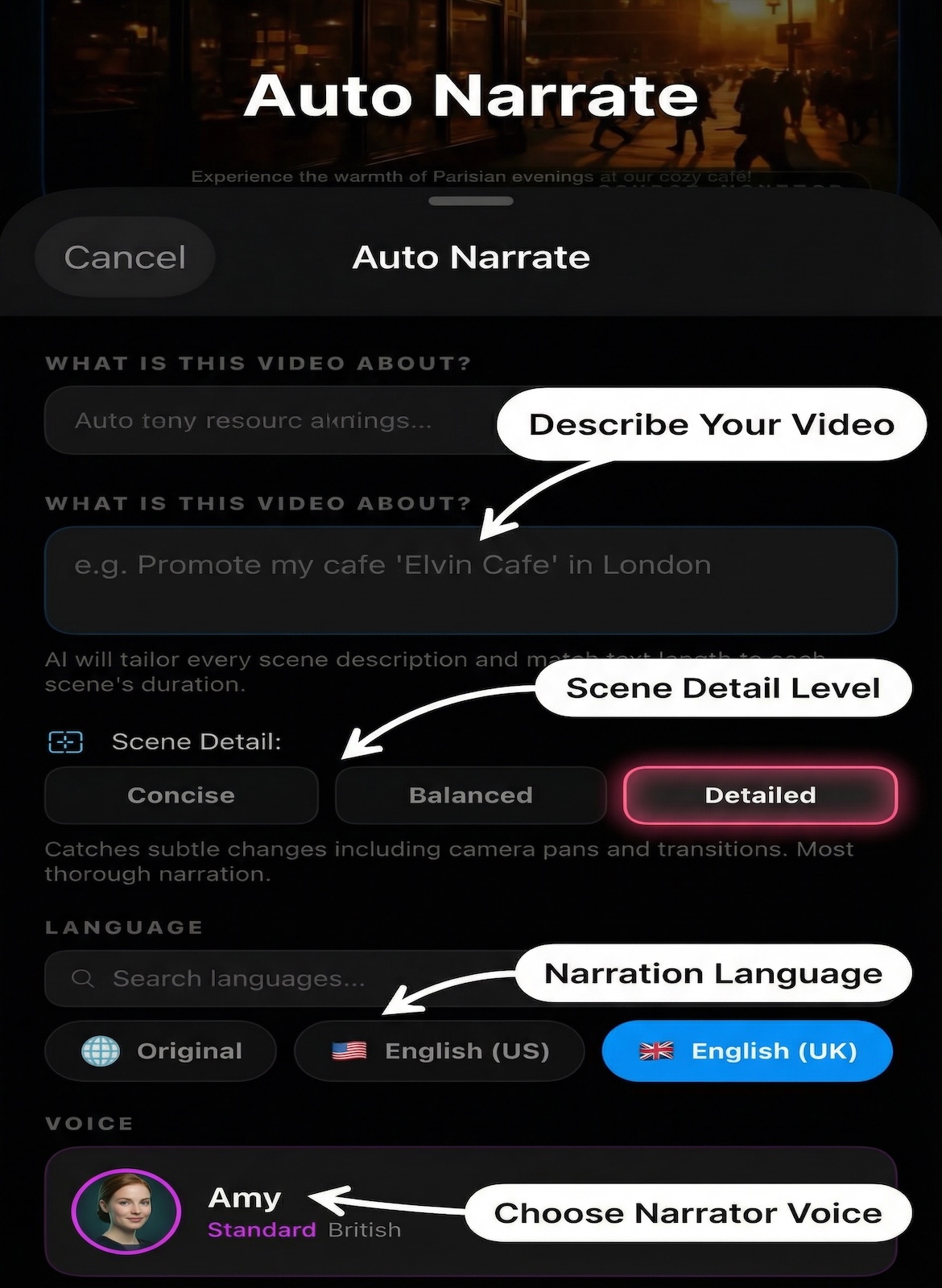
From scene understanding to final export — a fully automated narration pipeline on your iPhone.
Claude Haiku AI examines extracted frames from every scene — identifying people, objects, actions, settings, and mood. It understands context, not just pixels.
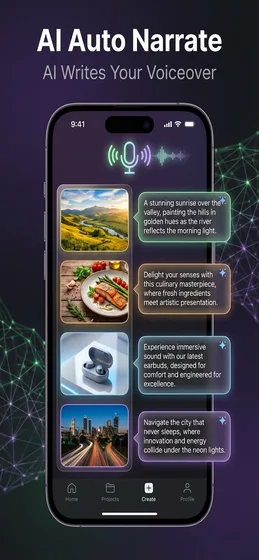
Based on scene analysis, AI writes a natural narration script for each scene. No manual writing — just import a video and the narration writes itself.
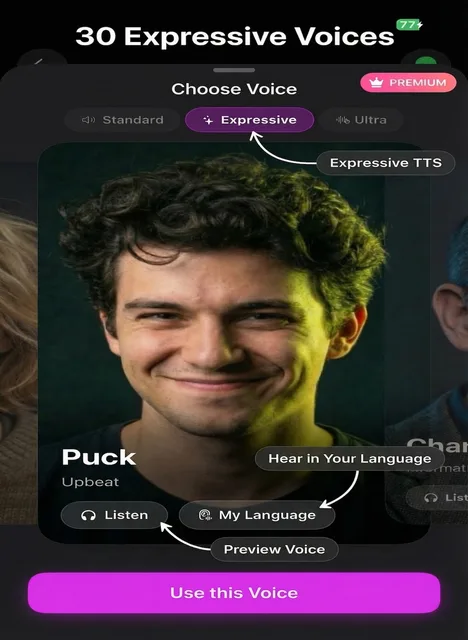
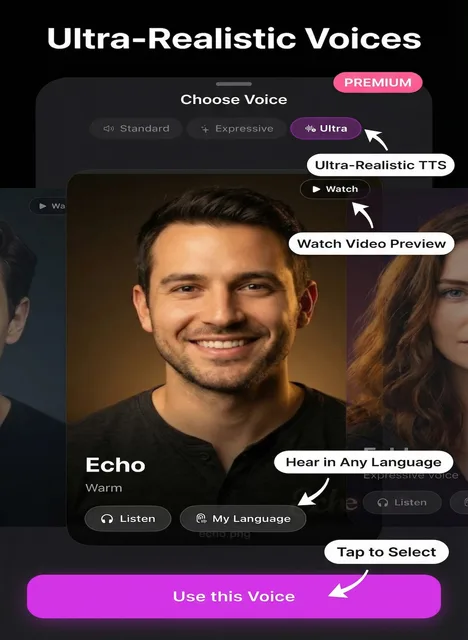
Choose from 43 free Standard voices, 30 Expressive voices, or Ultra-tier voices. Each voice supports accent directions for natural-sounding delivery in any language.
Generate narration in any of 67 supported languages. Auto Narrate can translate narration scripts on the fly with AI-powered translation and accent-aware TTS.
Word-by-word highlighted subtitles sync perfectly with the narration audio. Uses Amazon Polly speech marks for frame-accurate karaoke timing on Standard voices.
After generation, edit any narration segment — rewrite text, regenerate audio, delete scenes, or adjust timing. Full control before final export.
From raw footage to narrated video in four automated steps.
Pick any video from Photos, Files, or iCloud Drive. Up to 500 MB and 60 minutes for subscribers — 100 MB free to start.
Computer vision extracts key frames, identifies scene changes, and merges short scenes for natural pacing. AI understands what's happening in every moment.
AI writes narration for each scene, then synthesizes speech with your chosen voice. Optional translation into any of 67 languages with accent control.
See the AI narration pipeline on iPhone and iPad.
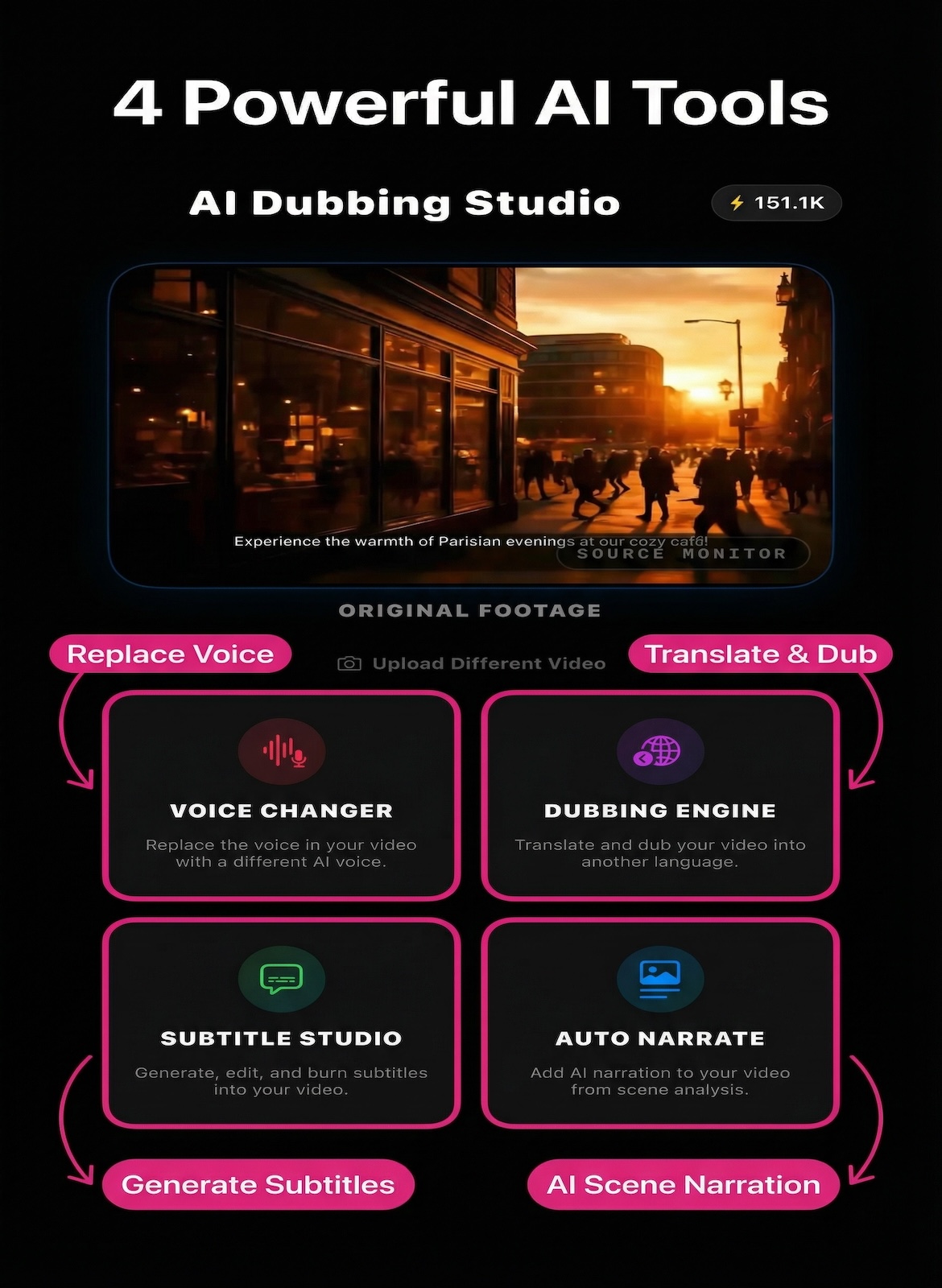
Three tiers of AI voices for your narration — start free with 43 Standard voices, or unlock Expressive and Ultra for premium emotional depth and accent control.
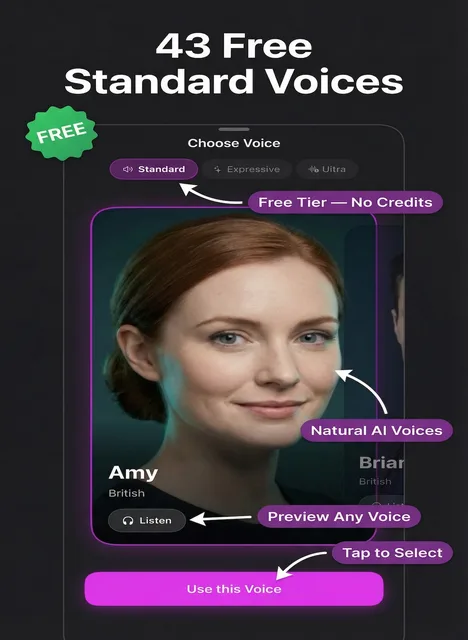
Auto Narrate is one of four powerful AI modes. Each is purpose-built for a different workflow.
Replace any voice in your video with a completely different AI voice — keeping the original language intact. 43 free voices to start.
Full AI pipeline: transcribe, translate, and dub your video into 50+ languages with perfectly synced audio and accent control.
AI-generated subtitles with deep segment editing. Export SRT/VTT files for free, or burn subtitles directly into your video.
Free to download — no account required. Start with 43 Standard voices and 1,500 free credits today.