Same Language
Voice Changer
Replace any voice in your video with a natural-sounding AI voice. Same language, new identity — in minutes.
Generate AI subtitles for any video with Free SRT Export — deep editing, translation, and burn-in on iPhone & iPad.
Subtitle Studio uses AI to transcribe your video's speech into perfectly timed subtitle segments. Edit each segment individually in the deep editor, translate into 50+ languages, and export as SRT or VTT files completely free — no credits needed for subtitle file exports.
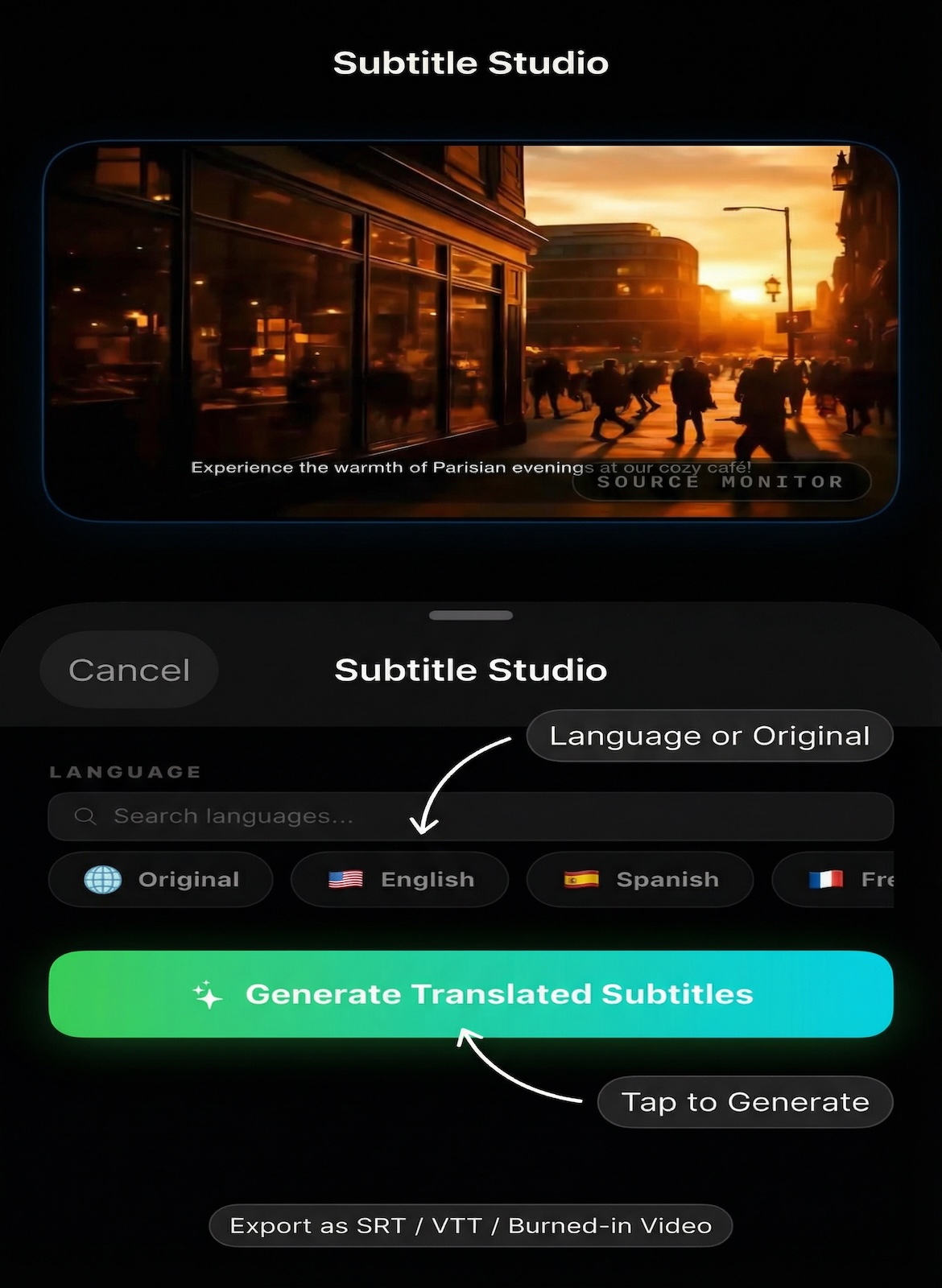
From video import to subtitle export in minutes — AI handles the transcription, you fine-tune the results.
Pick any video from Photos, Files, or iCloud Drive. Up to 500 MB and 60 minutes for subscribers — 100 MB free to start.
AI generates timed subtitle segments automatically. Open the deep editor to fine-tune text, adjust timestamps, delete segments, or translate into another language.
Export subtitle files (SRT & VTT) completely free — no credits needed. Or burn subtitles directly into your video at original resolution with no watermark.
See the AI subtitle generation workflow on iPhone and iPad.
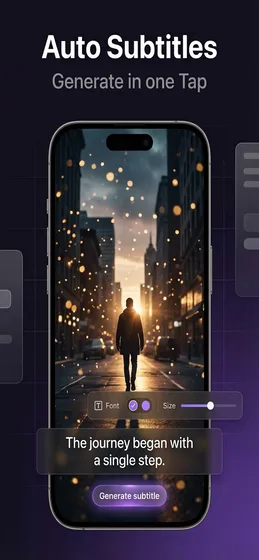
Subtitle Studio is one of four powerful AI modes. Each is purpose-built for a different workflow.
Replace any voice in your video with a natural-sounding AI voice. Same language, new identity — in minutes.
Full AI pipeline: transcribe, translate, and dub your video into 50+ languages with perfectly synced audio.
AI analyzes every scene frame-by-frame, writes professional narration, then dubs it automatically in any language.
Free to download — no account required. Export SRT & VTT subtitle files at no cost. Start with 1,500 free credits today.